← Back to Training
Advanced Hands-on Workshop: Mobile App for IoT Control
Training
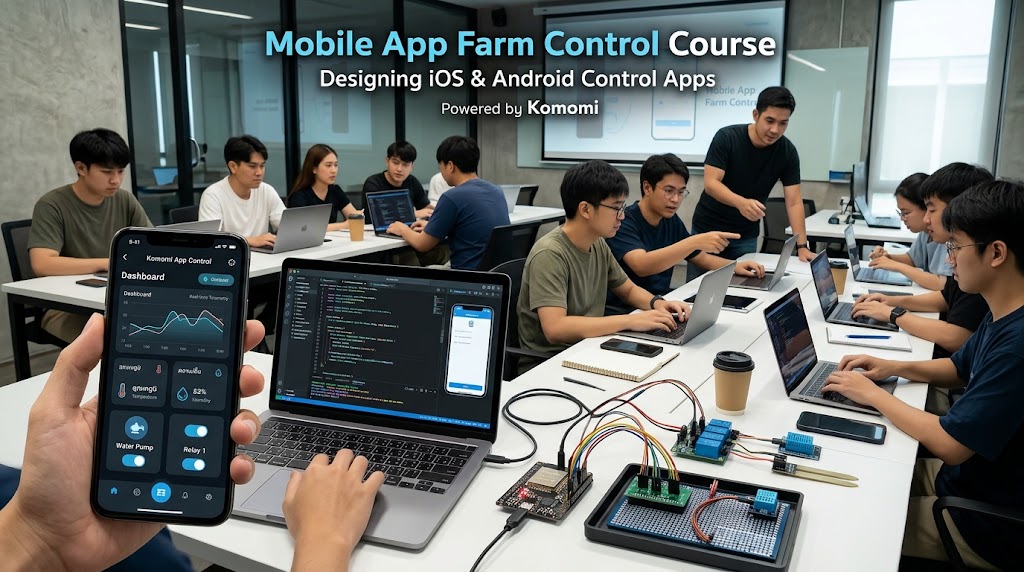
Develop professional IoT mobile apps to control real devices and read sensor data in real-time using REST API, MQTT, and WebSockets. Covers Smart Farm, Smart Home, and Smart Factory with Production-grade Source Code Templates included.
Objectives
This course is designed for developers with a foundation in mobile app development (iOS and Android) who want to upskill into professional IoT App Developers. Focuses on communication protocols, UX/UI design for control systems, and Cloud Server integration. Includes Production-grade Source Code Templates for immediate business use.
Course Modules
01
Module 1: IoT Architecture & Protocols Deep Dive
- End-to-End architecture understanding: from Sensor (Hardware) -> Cloud Server -> Mobile App
- RESTful API / HTTP: for fetching Historical Data and authentication
- MQTT & WebSockets: for Real-time telemetry with low bandwidth and fast response
- Security: Token, JWT usage, and SSL/TLS connections (MQTTS/HTTPS)
02
Module 2: Advanced IoT UX/UI Design
- UX for IoT: Designing User Journeys for farm or factory operators who need speed and reduced Human Error
- UI Components: Designing Dashboards, Gauges, Charts, and Toggle Switches with clear meaning
- State & Feedback: Designing UI that shows true device status (loading, offline, faulty) for system reliability
- Responsive Design for both Mobile and Tablet screens (iPad / Android Tablet)
03
Module 3: Template & State Management (Core Framework Integration)
- Understanding Company Template structure (supporting both iOS and Android builds)
- State Management for real-time data streams flowing continuously into the app
- Connecting to Cloud Server (ThingsBoard or Custom Backend) via API Key and Authentication systems
04
Module 4: Telemetry & Remote Control
- Real-time Data Visualization: fetching humidity, temperature, soil values (EC, pH, NPK) and displaying on screen instantly as values change
- Remote Procedure Call (RPC): writing code to send commands from mobile to turn on/off Solenoid Valves or pumps in the field
- Offline Handling: coding the app to manage cases where the mobile loses internet or the end Hardware goes offline
05
Module 5: Historical Data & Push Notifications
- Fetching Time-series Data to plot line and bar charts for farm environment trend analysis
- Alert Configuration: setting notification conditions directly within the app
- Push Notification integration (Firebase Cloud Messaging - FCM) for real-time emergency alerts (power outage, no water flow, temperature exceeding limits)
06
Module 6: Multi-Domain Application & Deployment
- White-labeling techniques: changing Theme, Logo, and UI structure from Smart Farm to Smart Home (lights, AC, doors) or Smart Factory (machine status)
- Preparing the app for Store submission (App Store Guidelines & Google Play Policies)
- Project Presentation and expert feedback session